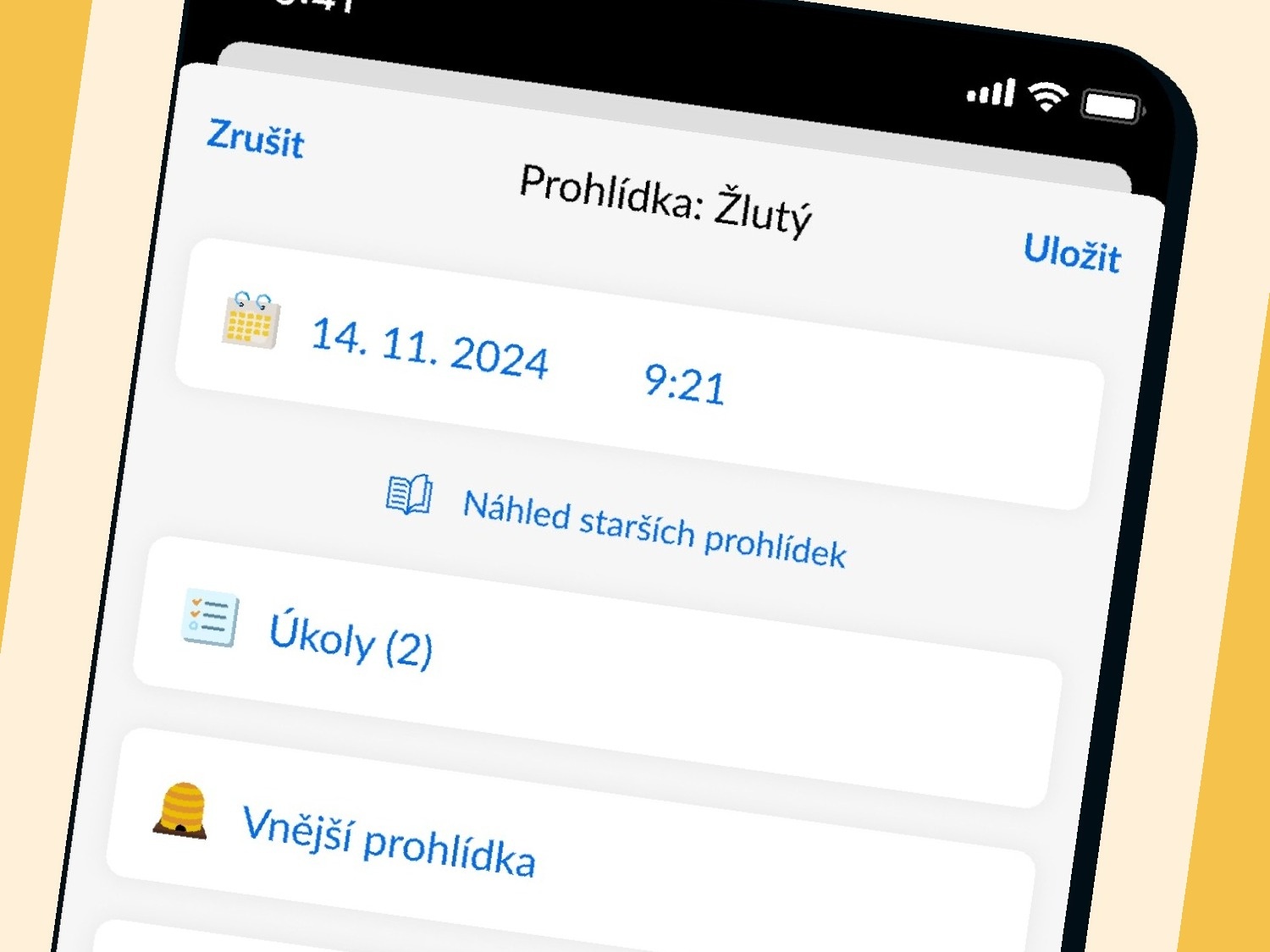
Voice dictation in Beentry allows you to record a hive inspection simply by speaking. You don’t have to take off your gloves, look for the right tags, or tap on your phone; just describe what you see, and the app will automatically recognize the state of the colony from your speech and fill in the corresponding tags. It works offline right at the apiary.
How to save time when recording inspections?
Every beekeeper knows this: you open the hive, conduct the inspection, and then stand with the phone in your hand trying to record what you’ve just seen. You don’t want to take off your gloves, your fingers are sticky with propolis, and the sun shines on the screen so much that you can’t see anything. The result? You take notes later from memory at home or don’t make them at all.
Yet, continuous records are key to tracking the development of colonies during the season. Thanks to them you see trends, compare colony strength, and detect problems before it’s too late. With voice dictation in Beentry, just press one button and speak.
How does voice dictation work?
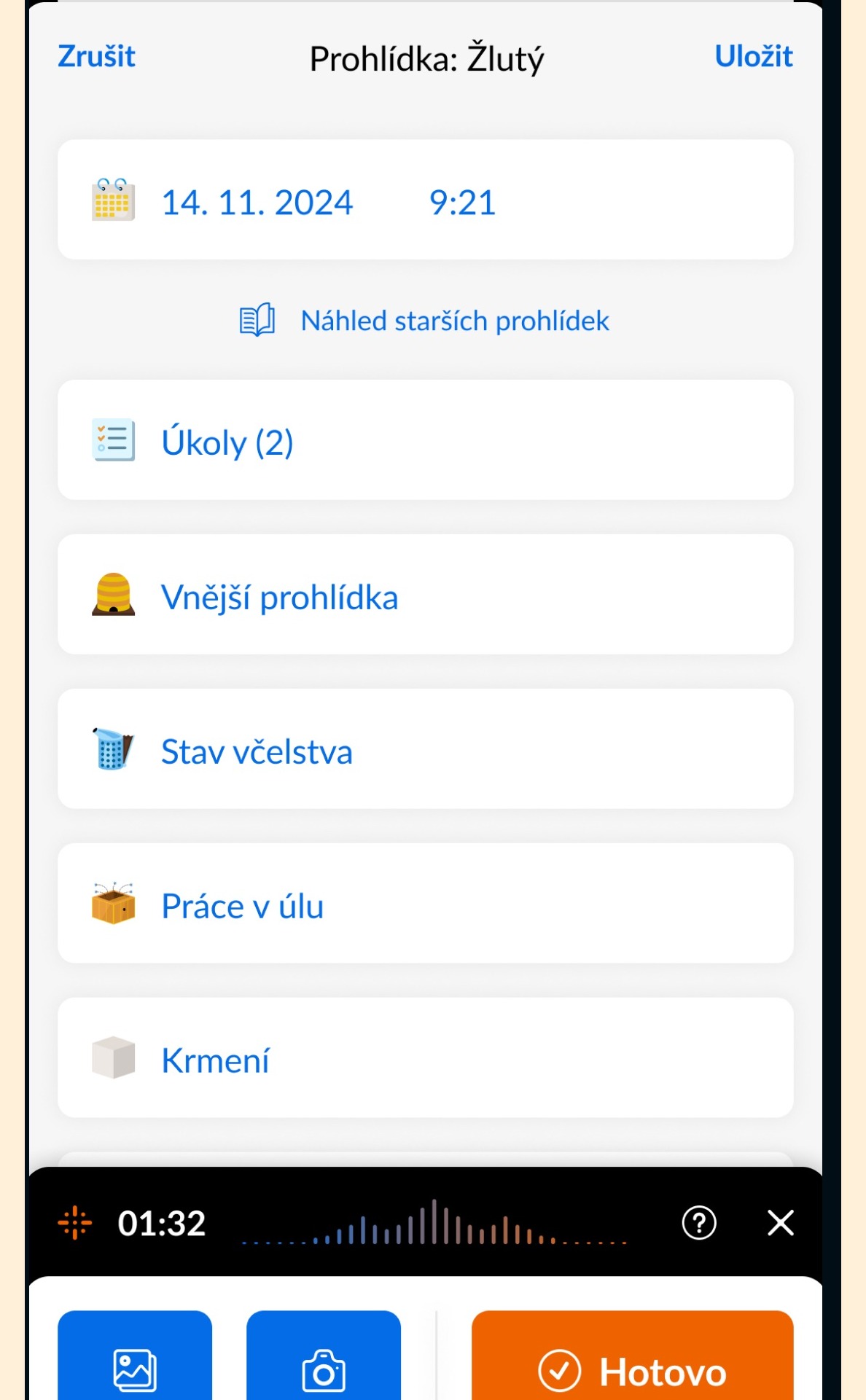
The process is simple. When creating an inspection record, tap the microphone icon and start speaking. Describe in your own words what you see at the colony. For example:
“The colony is strong, there is a lot of brood on five frames, supplies are sufficient, I saw the queen, the mood is calm, no signs of disease.”
Beentry converts your speech to text and uses AI to analyze the content. From the description, it automatically recognizes relevant tags — in this case, for example, “strong colony,” “brood on 5 frames,” “queen seen,” “supplies OK,” “calm” — and assigns them directly to the record. You then just verify and save.
When is dictation most useful?
You will appreciate voice records especially in these situations:
- Gloves on your hands — you don’t have to take them off to tap on your phone
- Quick inspection of many hives — you move through the apiary and dictate continuously, instead of stopping at each hive with your phone
- Poor screen visibility — under direct sunlight, dictation is more convenient than searching for tags on the screen
- Beginner beekeepers — you don’t have to know tag names, just describe what you see and AI will translate it into the right categories
Dictation works completely offline — you don’t need mobile signal. Speech recognition runs directly on the phone, and AI tag analysis triggers as soon as you connect to the internet.
Which tags does the AI recognize?
The AI in Beentry works with all categories of tags found in the app. It understands descriptions of:
- Colony strength — weak, medium, strong, number of frames occupied
- Brood — open, capped, quantity, quality of brood pattern
- Supplies — honey, pollen, sufficient/insufficient
- Queen — seen, not seen, young, old, marked
- Mood — calm, nervous, aggressive
- Health status — varroosis, nosema, disease symptoms
- Interventions — expanding, narrowing, feeding, treatment, adding intermediate frames
You don’t have to use exact names — AI understands natural language. When you say “the bees are gentle and there’s a full hive,” it will understand just as well as “strong colony, calm mood.”
Can I edit the record after dictation?
Of course. After dictation, a proposal of tags recognized by AI will appear. You can:
- Remove a tag that doesn’t belong
- Add a tag AI didn’t assign
- Edit the text note
- Add photos
The record is saved only after your review. AI is an assistant, not an automaton — the final word is always yours.
Try voice records
Voice dictation has been part of Beentry since version 4.1 and is available to all users — including during the free trial period. Download the latest version for iOS or Android and try dictating your next inspection. You’ll see how much faster it is.