Ask ChatGPT or Claude about your bees.
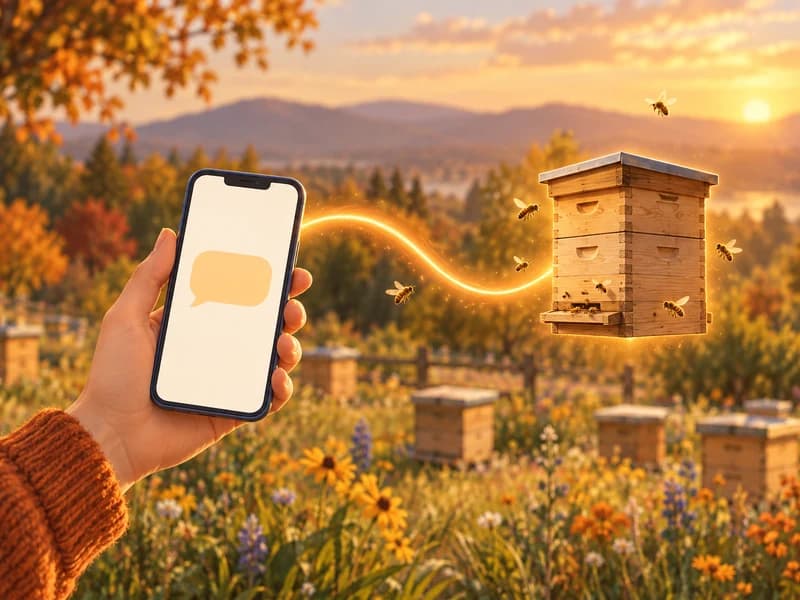
Beentry now works inside ChatGPT and Claude. Connect your account and ask about hives, inspections, harvests or finances. And when you want, the AI writes an inspection or a task straight into Beentry.

Ask anything about your bees
A few examples of what you can ask once Beentry is connected. The AI answers from your own records.

Ask in English, German, Czech or any other language. The AI replies in the language you write in.
Your bees, where you already work with AI
By voice, on the way home
In the ChatGPT or Claude mobile app you can just say it: log today's inspection. No tapping, straight from the drive home.
Your own analyses and tables
Ask for a yield table per apiary, a season comparison or a feeding cost overview. The AI works with your real numbers.
Together with everything else
The AI advisor gives advice inside the Beentry app. The connector brings your beekeeping data into the assistant you use for everything else.
What the AI can do with Beentry
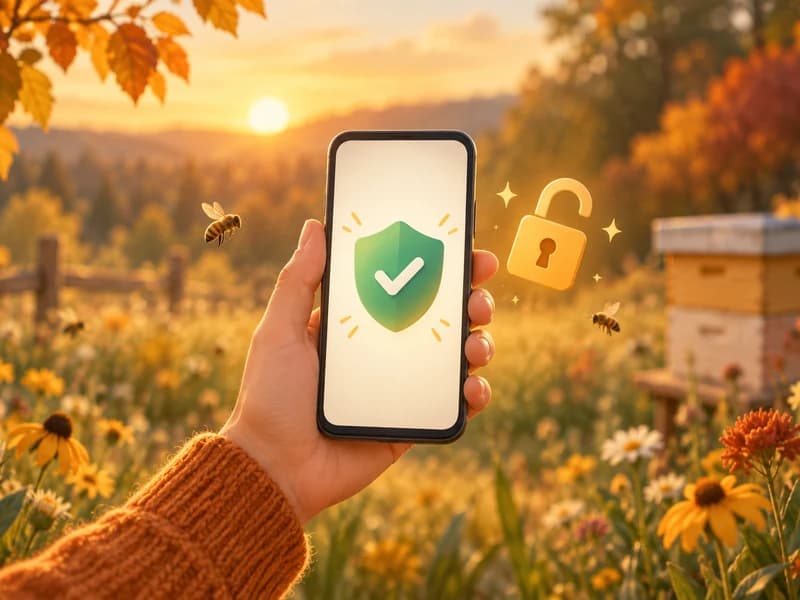
When connecting, you choose whether the AI may only read your data, or also write to it.
- Apiaries and hives: hive type, frame size, boxes, equipment
- Inspections with tags: treatment, feeding, queen, brood, health
- Queens and their history
- Tasks, including per-hive tasks
- Harvests: honey with type and moisture, wax, propolis, pollen, venom
- Finances: income, expenses and the yearly balance
- Reported disease outbreaks near your apiaries (Czech Republic and Slovakia)
- Stings, apiary notes, chat history with the AI advisor, subscription status


- Inspections: create, edit or delete
- Tasks, including marking them done
- Hives, several at once if you like
- Apiaries, in the Czech Republic matched to LPIS by registration number
- Queens
- Harvests of honey and other products

Writing only works if you allow it when connecting. Before every write the AI checks the details with you. Deleted records can be restored on request by Beentry support.
How to connect Beentry
It takes about a minute. Pick your assistant.
- 1
Open Connectors in Claude
On claude.ai go to Settings and open Connectors. Click Add custom connector.
- 2
Enter the name and address
Name: Beentry. Address: https://mcp.beentry.com. Confirm with Add.
- 3
Connect and sign in
Click Connect, sign in with your Beentry account and choose whether the AI may only read, or also write. Done.

https://mcp.beentry.comCustom connectors work in every Claude plan, including Free (Free allows one custom connector). Once connected on the web, Beentry also works in the Claude desktop and mobile apps.
Your data stays yours
The AI sees only your data
After signing in, the AI has access only to the records of your own account. Nothing else in Beentry.
You choose the scope
You sign in with your Beentry account (e-mail and password, Google, Facebook or Apple) and on the consent screen you choose whether the AI may only read, or also write. The AI never sees your password, sign-in uses the OAuth 2.1 standard.
Where your answers are processed
The data you ask about in a conversation is processed by the AI provider (OpenAI or Anthropic) under its own terms. You can revoke access at any time in the settings of Claude or ChatGPT.
Writing always with confirmation
Before writing anything, the AI confirms the details with you. Deleting in Beentry is soft, a deleted record can be restored on request by our support.
Frequently asked questions
Do I need a paid ChatGPT or Claude?
In Claude, custom connectors work in every plan including Free (Free allows one custom connector). In ChatGPT the Beentry plugin works on the web and in the mobile app, availability follows the terms of ChatGPT.
Does it work in my language?
Yes. The AI answers in the language you write in. Beentry itself, including the sign-in and consent screens, is available in 8 languages.
How is this different from the AI advisor in the app?
The advisor gives advice directly inside Beentry. The connector brings your data into the assistant you already use: by voice on the way home from the apiary, with your own analyses and tables, alongside everything else you do in ChatGPT or Claude.
What will the AI see from my account?
Only the data of the signed-in user: apiaries, hives, inspections, tasks, harvests, finances and more, depending on what you ask. What you ask about is processed by the AI provider (OpenAI or Anthropic) under its terms. Your password is never shared.
Can the AI change something without my knowledge?
Writing only works if you allow it when connecting. Before every write the AI confirms the details with you. Deleting is soft, a deleted record can be restored on request by our support.
How do I disconnect Beentry?
Any time. In Claude go to Settings and Connectors and remove Beentry, in ChatGPT go to Settings and Apps or Plugins. The AI then no longer has access to your data.
Does it work with Gemini?
Not yet. Google currently offers custom connectors to regular users only in the USA. Once it becomes available in Europe, the same address will be enough.
How much does it cost?
Nothing extra. The connection is part of Beentry Premium and every new account gets 30 days free. After your subscription ends, the AI explains that a subscription is needed.
See pricing
What is MCP?
MCP (Model Context Protocol) is an open standard that lets AI assistants connect to apps. Beentry runs a remote MCP server at https://mcp.beentry.com with 37 tools for reading and writing your data.
Connect Beentry today
Every new account gets 30 days free. Download the app, create an account and connect it to ChatGPT or Claude.

